EA SPORTS WRC(V2.3.1.0+All DLCs-Hypervisor)
96.78GB
zip 파일에 비밀번호가 있으면 다음을 사용하세요:xgamefan.com
【게임 소개】
1. Run “VBS.cmd” file with “Run as Administrator”. And pleas read the displayed information carefully before proceeding.
– Once complete, your PC will automatically restart.
– During the restart process, you will see a blue screen, you must press F7 and select “Disable Driver Signature Enforcement”.
2. Start game from “game/Binaries/Win64WRC.exe” (with “Run as Administrator”).
3. Enjoy ;')
NOTE 1: After you are done playing the game, it is highly recommended to revert the changes by run “VBS.cmd” file, select “Revert” (by pressing key 3)
NOTE 2: Each time you start the game, you need to repeat all the steps above.

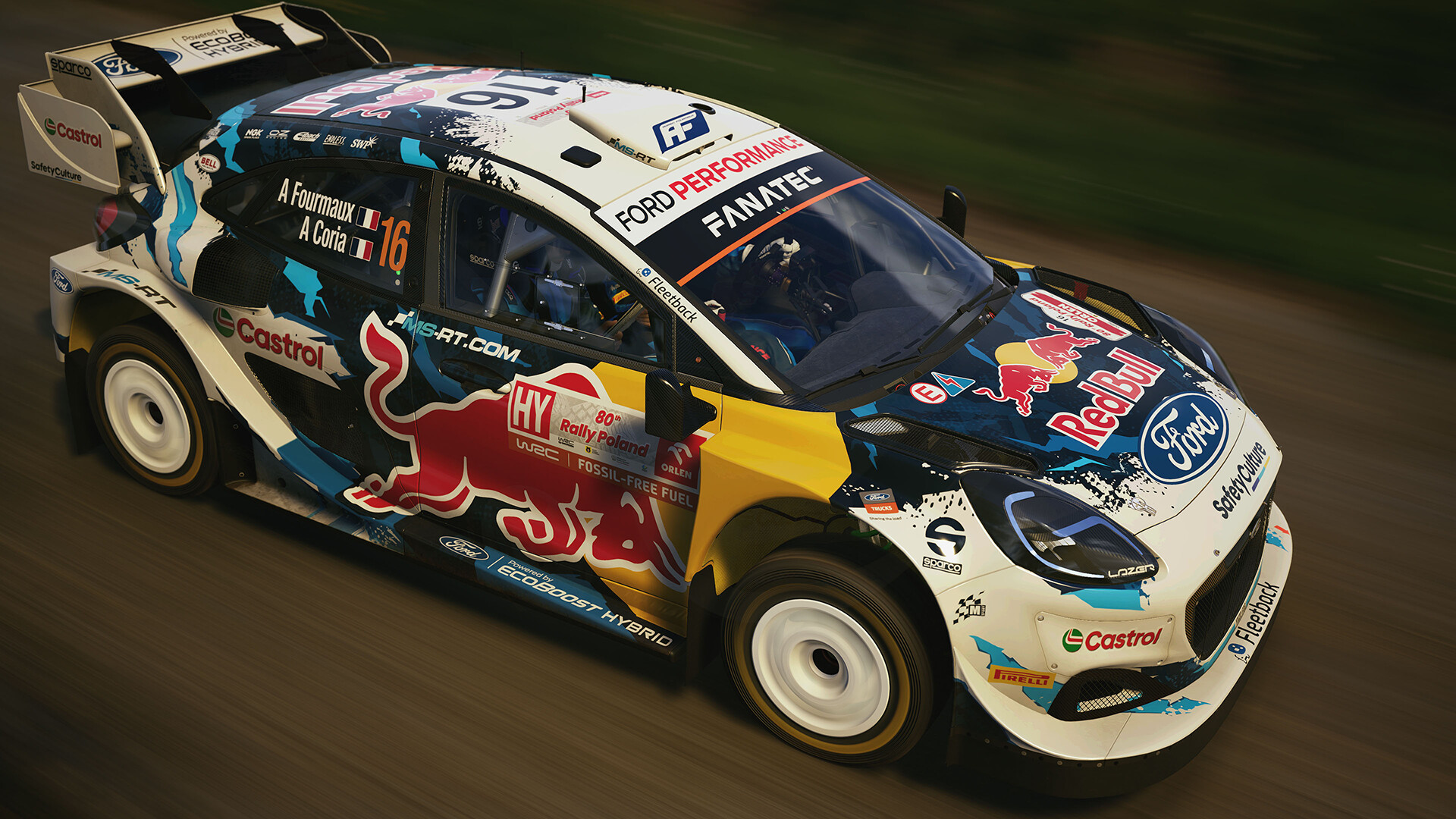
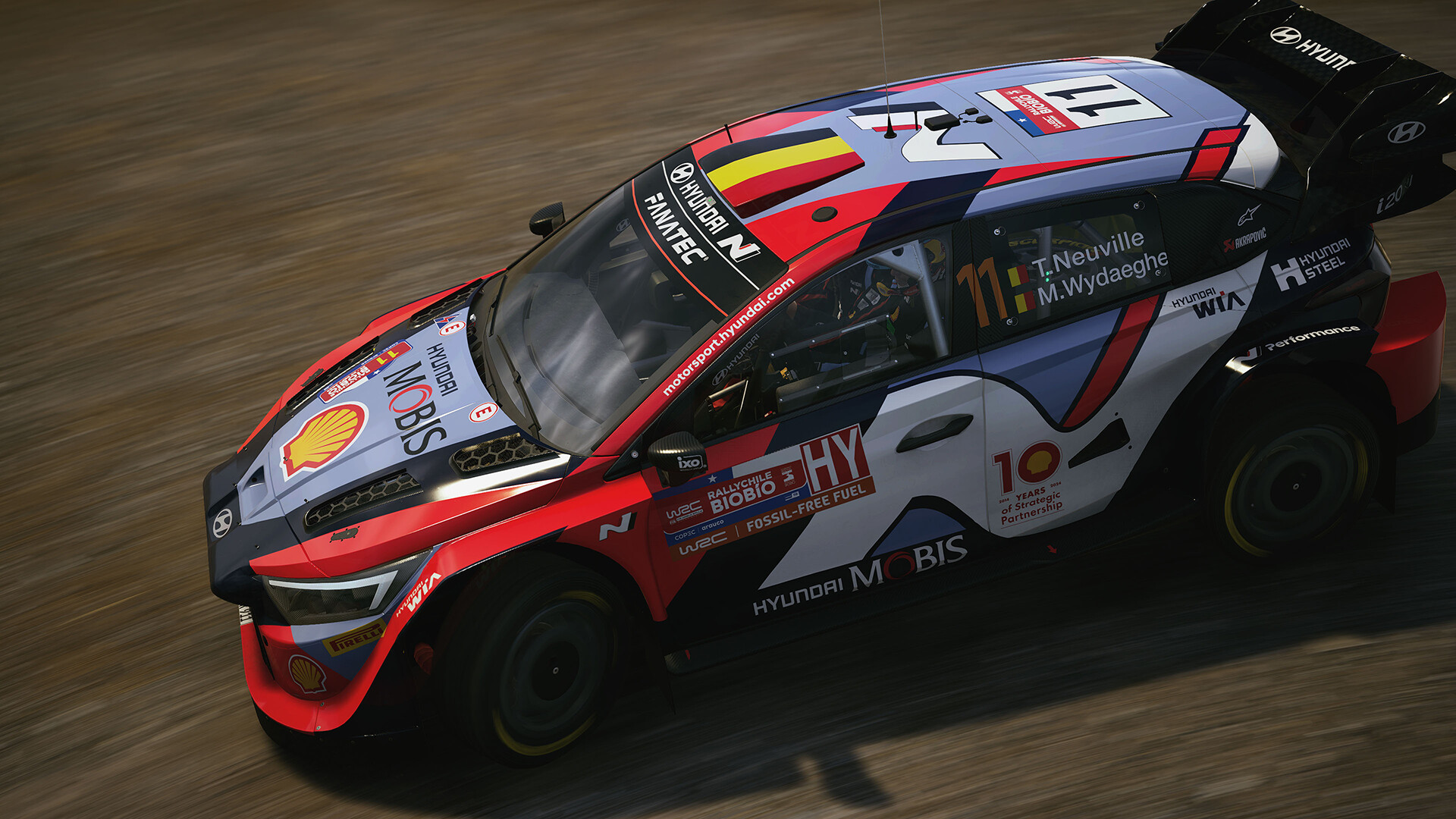
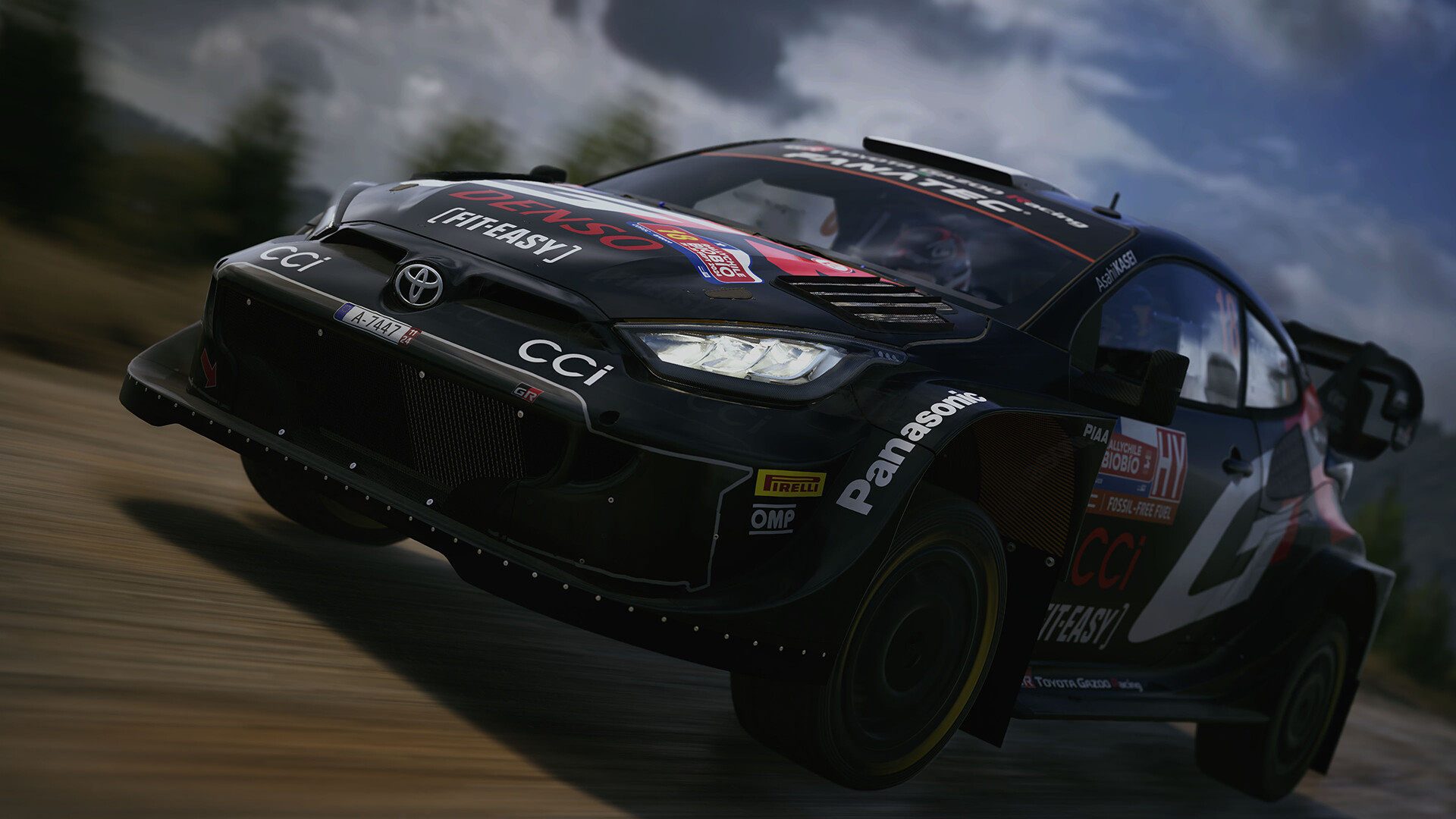
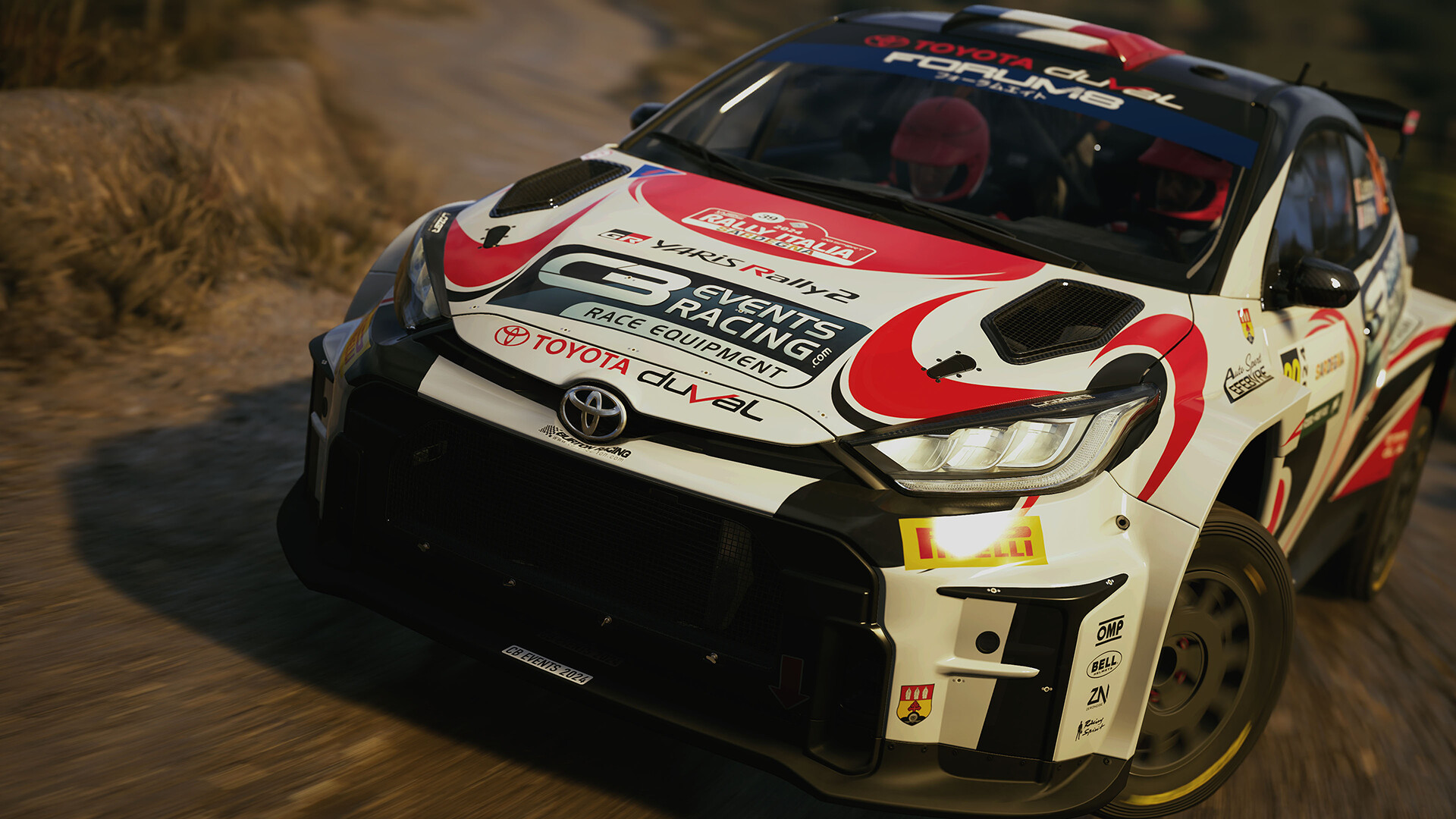
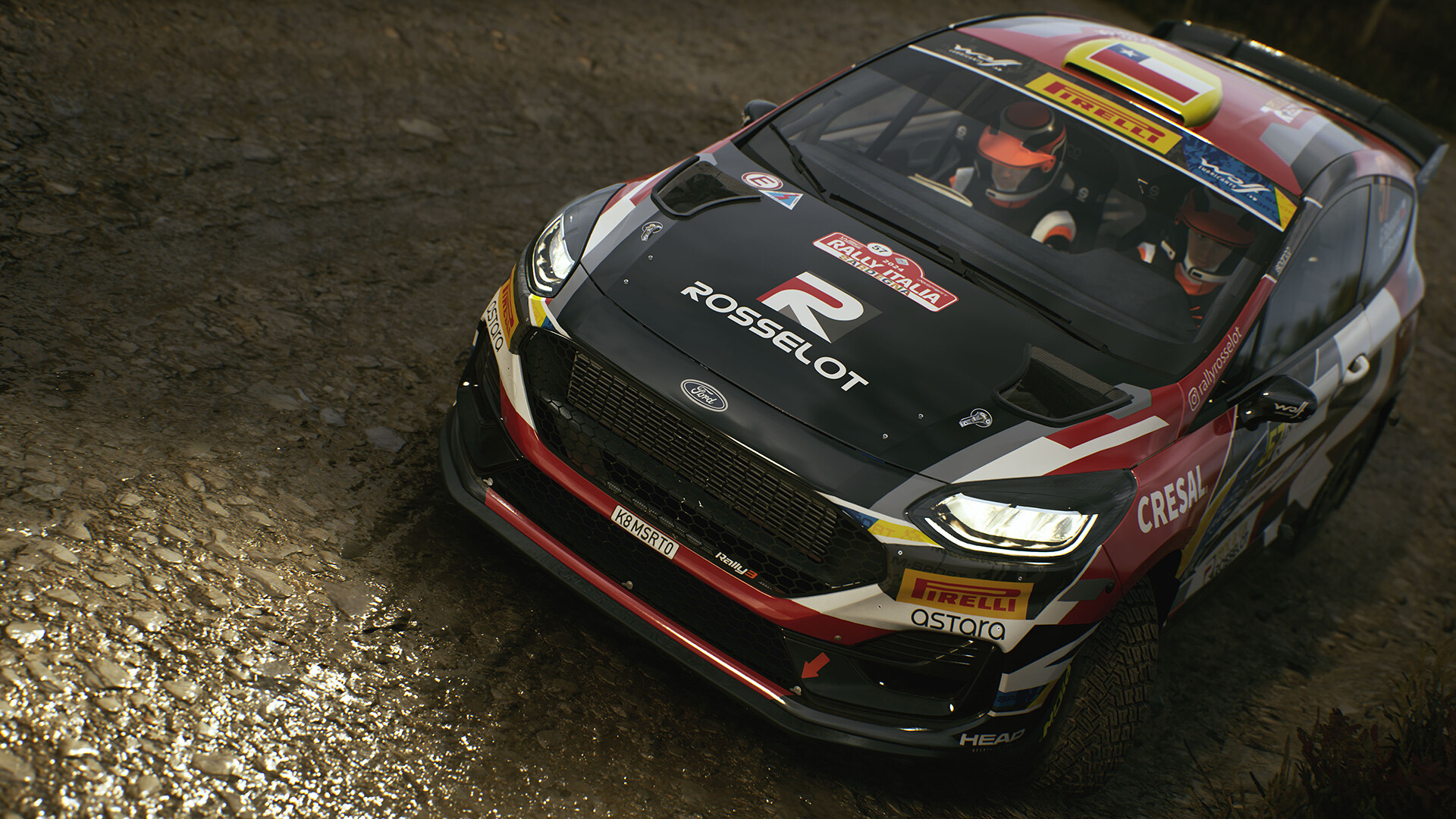
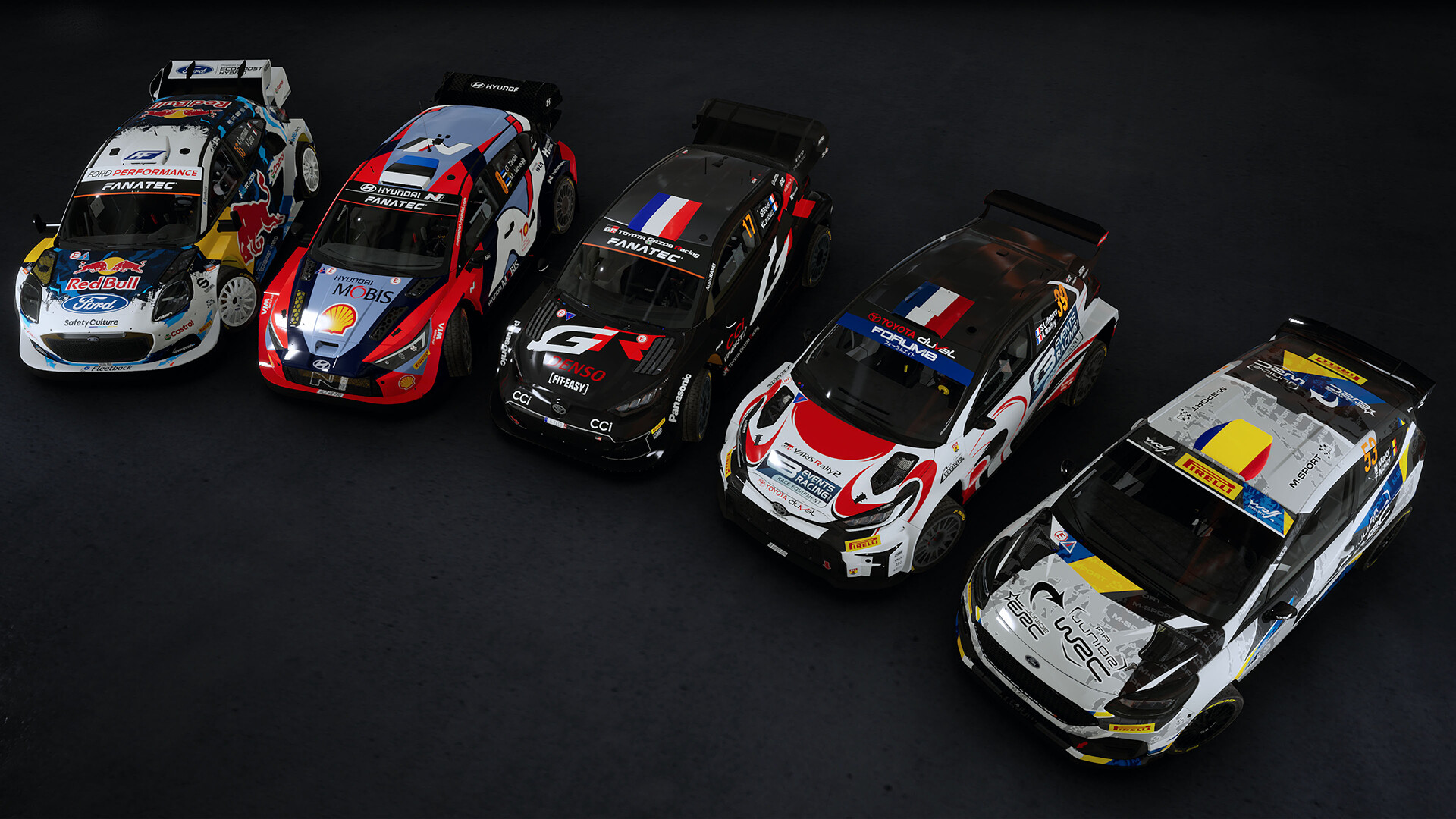
【Screenshot】
【구성 요구 사항】
Requires 64-bit processor and operating system
OS: Windows 10
CPU: AMD Ryzen 5 2600X Intel i5 9600K
Memory: 8 GB RAM
Graphics: Nvidia GTX 1060 Radeon RX Vega 56
DirectX: 12
Storage: Need 110 GB Available space
Sound Card: DirectX Compatible
VR: OpenXR: Meta Quest 3, Meta Quest 2, Meta Quest Pro, Valve Index, Oculus Rift S, Oculus CV1, HTC Vive
Tips:
- 저희는 게임을 해킹하지 않습니다.
- 모든 게임은 네트워크 디스크에서 네티즌이 공유합니다.
- 우리는 어떤 수수료도 부과하지 않습니다.
- 회원 등록을 환영합니다.
- 일부 게임은 테스트 및 커뮤니케이션 전용입니다. 이 게임이 저작권을 침해하는 것으로 확인되면 admin@xgamefan.com으로 이메일을 보내주세요. 가능한 한 빨리 제거하겠습니다.
- 곧 더 많은 게임 학습 공유 기능을 추가할 예정입니다.